Best HIPAA Compliant CRM Comparison 2026
Best HIPAA Compliant CRM Comparison 2026
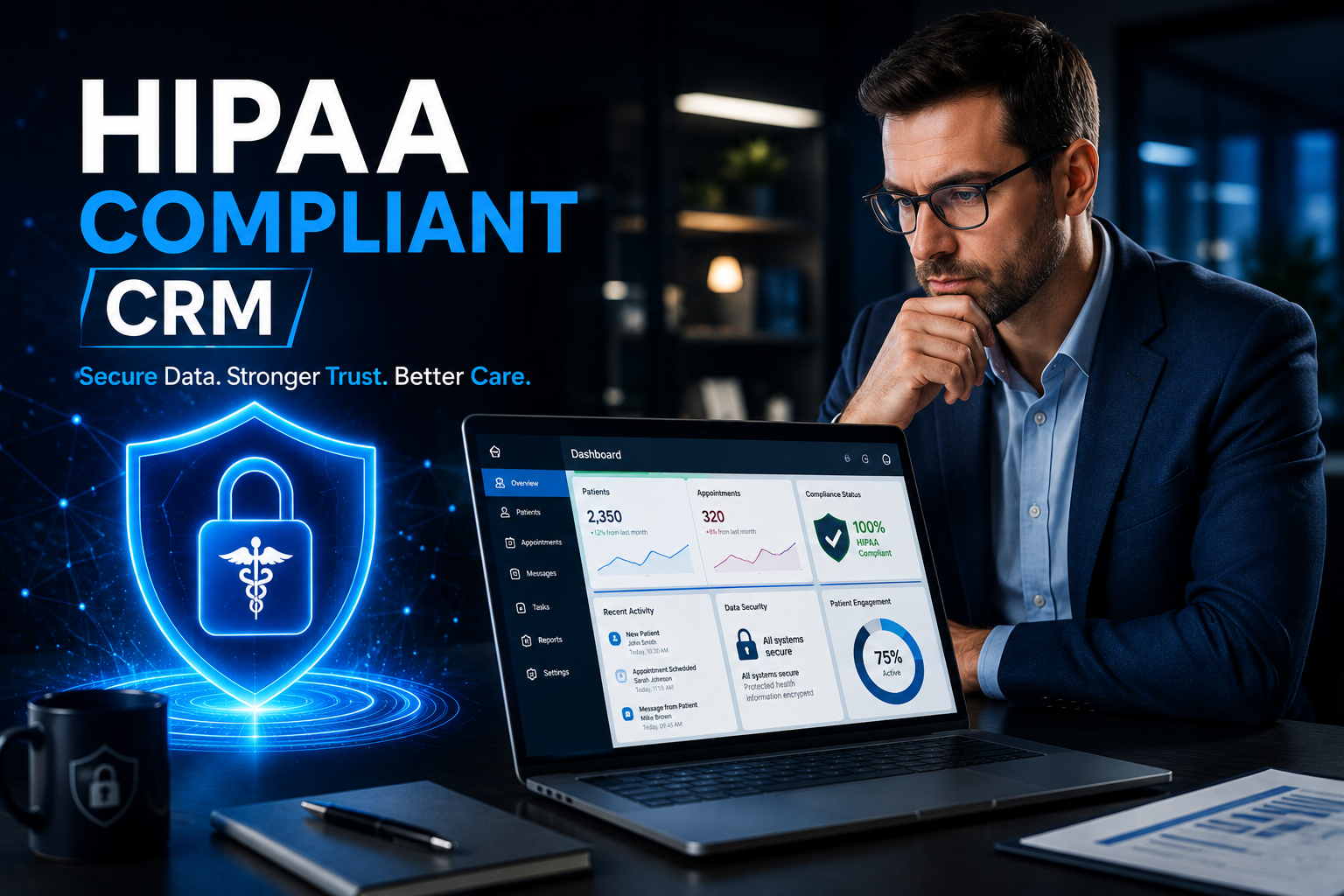
For any dental or medical practice, managing patient information is key. This includes how you talk to patients, schedule appointments, and keep track of their history. A Customer Relationship Management (CRM) system helps you do all this better. But when you handle patient health information (PHI), your CRM must follow strict rules set by HIPAA.
HIPAA stands for the Health Insurance Portability and Accountability Act. It’s a U.S. law that protects patient privacy. If your CRM stores, processes, or transmits any PHI, it must be HIPAA compliant. This means it has strong security to keep patient data safe and private. If your practice doesn’t use a HIPAA compliant CRM, you could face big fines and lose patient trust.
Looking ahead to 2026, the need for secure, smart, and easy-to-use HIPAA compliant CRMs will only grow. This article will help you understand what to look for and compare some of the best options available.
What Makes a CRM HIPAA Compliant?
A CRM isn’t just “HIPAA compliant” by itself. The company that makes the CRM must be willing to sign a Business Associate Agreement (BAA) with your practice. This BAA is a legal promise that they will protect PHI according to HIPAA rules. Beyond the BAA, a HIPAA compliant CRM will have specific features:
- Business Associate Agreement (BAA): This is the most important part. No BAA, no HIPAA compliance.
- Data Encryption: All patient data must be scrambled (encrypted) when it’s stored (at rest) and when it’s moving (in transit) across networks. This makes it unreadable to unauthorized people.
- Access Controls: Only authorized staff should be able to see patient data. The system should let you set different levels of access for different roles.
- Audit Trails/Logs: The system must keep a record of who accessed what data, when, and from where. This helps track any unusual activity.
- Secure Data Hosting: Patient data must be stored in secure data centers that meet high industry standards for physical and digital security.
- Data Backup and Recovery: There must be reliable ways to back up data and restore it quickly in case of data loss.
- User Authentication: Strong ways to check a user’s identity, like complex passwords or two-factor authentication (2FA).
- Regular Security Audits: The CRM vendor should regularly check their systems for weaknesses and fix them.
Top HIPAA Compliant CRM Options for 2026
Here’s a look at some leading CRM systems that either offer specific HIPAA compliant versions or are known for their strong security and willingness to sign BAAs for healthcare use.
1. Salesforce Health Cloud
- Overview: Salesforce is a giant in the CRM world, and its Health Cloud is built specifically for healthcare organizations. It goes beyond basic CRM to manage patient journeys, care coordination, and engagement.
- HIPAA Compliance: Salesforce is committed to HIPAA compliance and will sign a BAA for its Health Cloud and other core services when used appropriately for PHI. They use strong encryption, access controls, and have a robust security framework.
- Pros:
- Very powerful and customizable for complex healthcare needs.
- Excellent patient engagement tools, including patient portals.
- Integrates well with many other healthcare systems (EHRs).
- Strong reputation and continuous updates.
- Cons:
- Can be very expensive, especially for smaller practices.
- Requires significant setup and customization, which might need expert help.
- Can have a steep learning curve for new users.
2. Microsoft Dynamics 365 for Healthcare
- Overview: Microsoft Dynamics 365 offers a suite of business applications, including CRM. Their solutions for healthcare are designed to improve patient experience, streamline operations, and manage health records securely.
- HIPAA Compliance: Microsoft signs BAAs for its cloud services, including Dynamics 365. They invest heavily in security, using advanced encryption, identity management, and compliance certifications to protect PHI.
- Pros:
- Integrates seamlessly with other Microsoft products like Office 365.
- Scalable for practices of all sizes, from small clinics to large hospital systems.
- Offers robust analytics and reporting features.
- Strong security features backed by Microsoft’s global infrastructure.
- Cons:
- Can be complex to set up and manage, often requiring IT support.
- Pricing can add up, especially with many users or advanced features.
- Might not be as tailored out-of-the-box for specific healthcare workflows as Salesforce Health Cloud.
3. Healthie
- Overview: Healthie is a platform built specifically for health and wellness professionals, including dietitians, nutritionists, and other health coaches. It combines EHR, practice management, and client engagement tools, making it a strong CRM contender for certain niches.
- HIPAA Compliance: Healthie is designed from the ground up to be HIPAA compliant. They sign BAAs with all their clients and implement all necessary security measures for PHI.
- Pros:
- Specifically designed for health and wellness, so it fits these practices very well.
- Includes features like telehealth, scheduling, charting, and billing all in one place.
- User-friendly interface, often easier to learn than larger enterprise CRMs.
- Strong focus on client engagement and communication.
- Cons:
- Might not be suitable for very large, complex medical practices or hospitals.
- Less customizable than Salesforce or Dynamics 365.
- Features are geared more towards individual practitioners or small clinics.
How to Choose the Right HIPAA Compliant CRM for Your Practice
Selecting the best CRM depends on your unique needs. Consider these points:
- Your Practice Size and Type: A solo dental practice will have different needs than a multi-specialty clinic.
- Budget: CRMs can range from hundreds to thousands of dollars per month. Factor in setup, training, and ongoing costs.
- Existing Systems: How well will the CRM integrate with your current Electronic Health Record (EHR) or Practice Management Software (PMS)?
- Ease of Use: Will your staff find it easy to learn and use the new system?
- Key Features: What specific features are most important to you (e.g., patient portals, marketing automation, telehealth integration)?
- Vendor Support: Does the vendor offer good customer support and training?
- Scalability: Can the CRM grow with your practice as your needs change?
Important Considerations for 2026
As technology evolves, so do the challenges and opportunities for healthcare CRMs:
- AI and Machine Learning: These technologies will play a bigger role in personalizing patient communication and predicting needs. Ensure any AI features are also HIPAA compliant.
- Telehealth Integration: With the rise of virtual care, CRMs that seamlessly integrate telehealth scheduling and communication will be essential.
- Enhanced Patient Engagement: Patients expect more direct and convenient ways to interact with their healthcare providers. CRMs will offer more tools for self-scheduling, automated reminders, and secure messaging.
- Evolving Regulations: HIPAA rules can change. Your chosen CRM vendor should stay up-to-date with the latest compliance requirements.
Conclusion
Choosing a HIPAA compliant CRM is a critical decision for any dental or medical practice. It’s not just about meeting legal requirements; it’s about protecting your patients’ privacy and building trust. By carefully comparing options like Salesforce Health Cloud, Microsoft Dynamics 365 for Healthcare, and specialized platforms like Healthie, and by focusing on key features and your specific practice needs, you can find the best CRM to support your operations and patient care into 2026 and beyond. Always remember: no matter which CRM you choose, ensure you have a signed Business Associate Agreement (BAA) with the vendor.